How to Invite Your Collectors to Cohart
Overview
Inviting your collectors brings the people who already bought your work onto Cohart, even when the sale happened somewhere else entirely.
- Who it’s for — artists and galleries who want an accurate, complete record of who owns their work, on and off the platform.
- Where it lives — the invite is part of the same forms you already use to log a sale: marking an artwork Sold during upload, and adding a sale record for an artwork already in your inventory.
- What it does — sends the collector an email invitation to a placeholder or real address you provide, without requiring them to already have a Cohart account. Typing the buyer’s email in the invite field does not send anything right away — the invitation goes out only when you submit the upload or sale record form.
- What you end up with — the buyer recorded against that artwork and, once they accept, instantly showcased on your profile as a verified collector, with both of you following each other automatically.
Steps
1. Sign in to Cohart
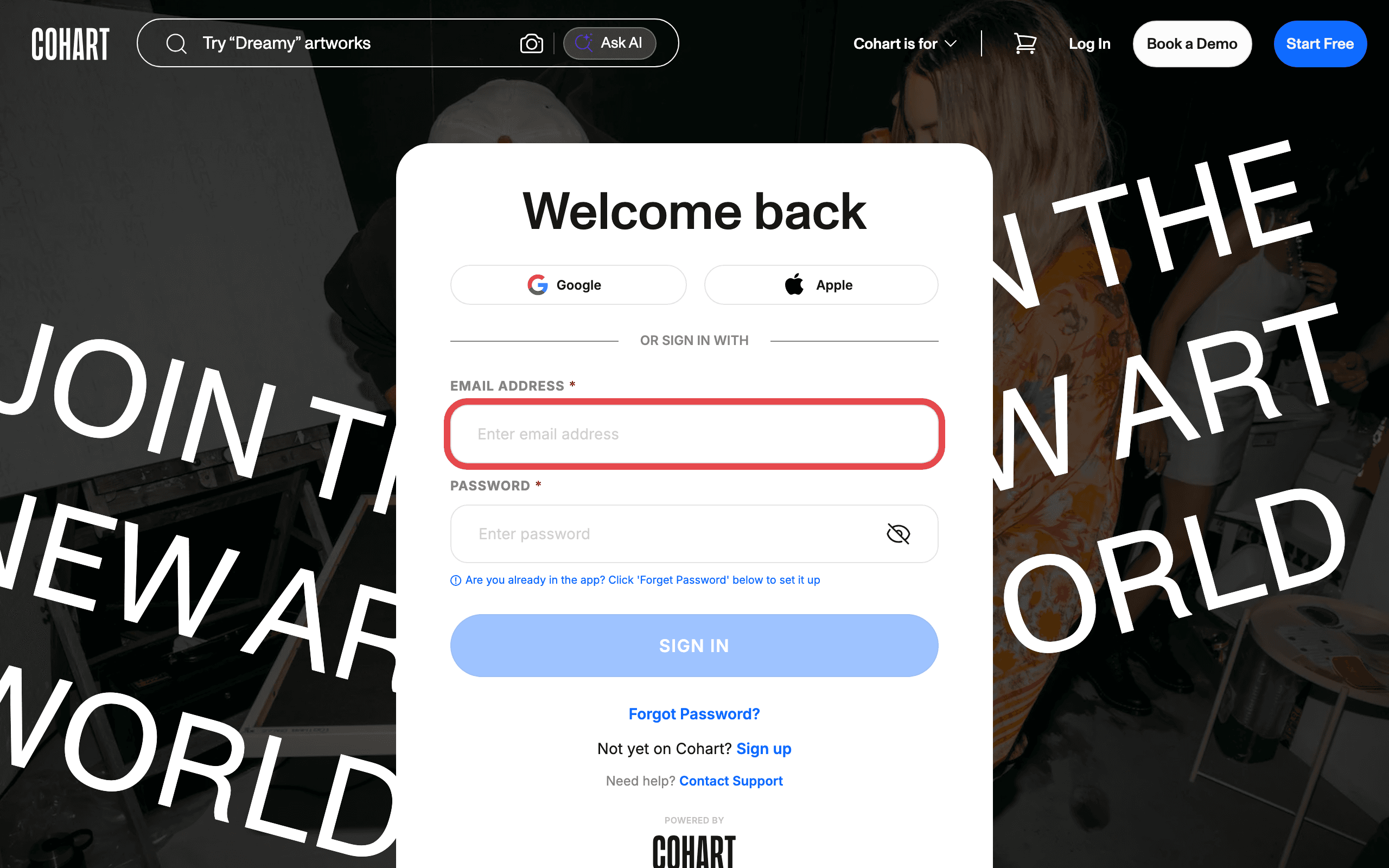
Sign in with your email address and password, or use Google or Apple.
2. Invite a collector while uploading a new artwork
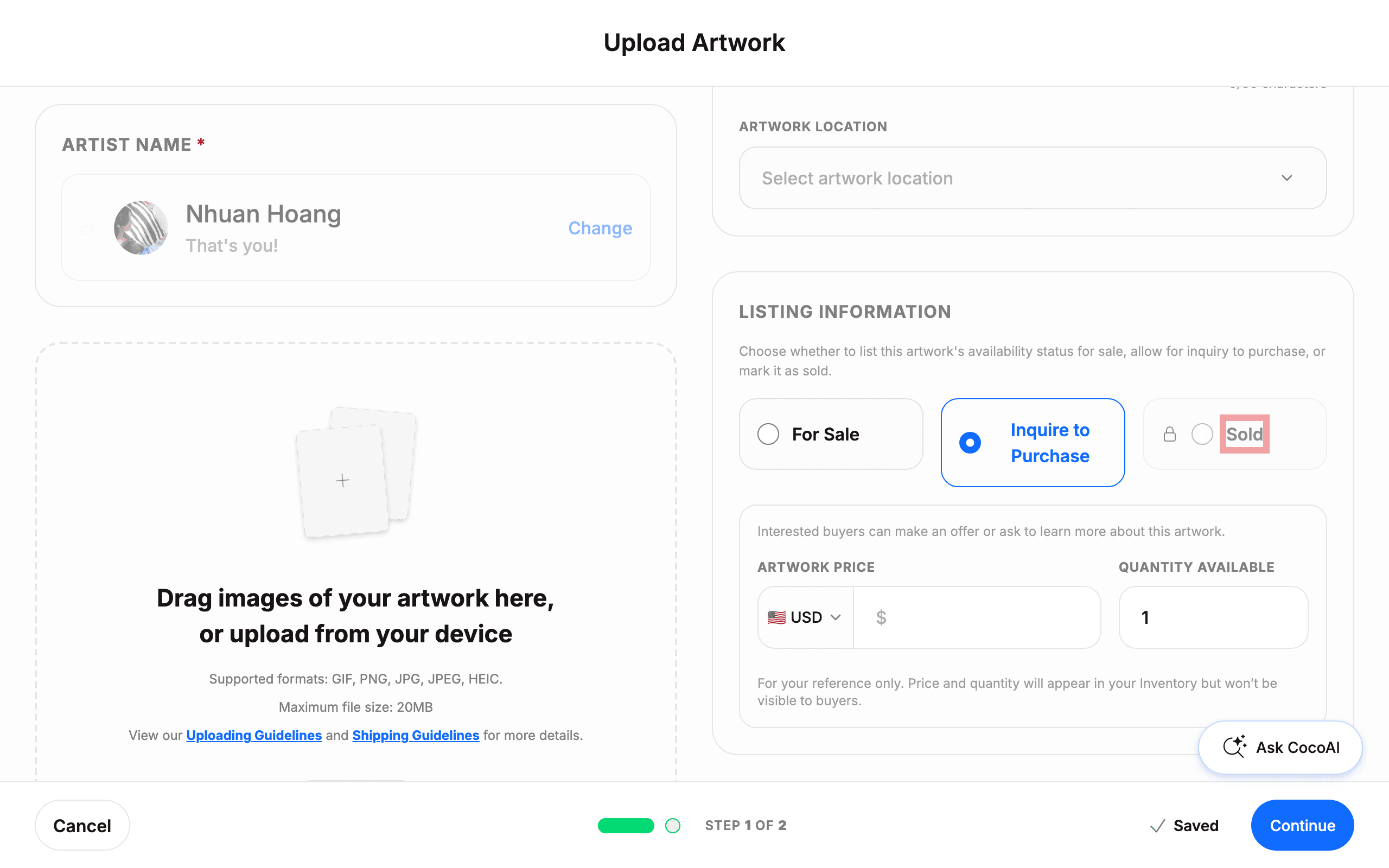
Start uploading a new artwork as described in How to Upload an Artwork. In the LISTING INFORMATION section, choose Sold as the availability status.
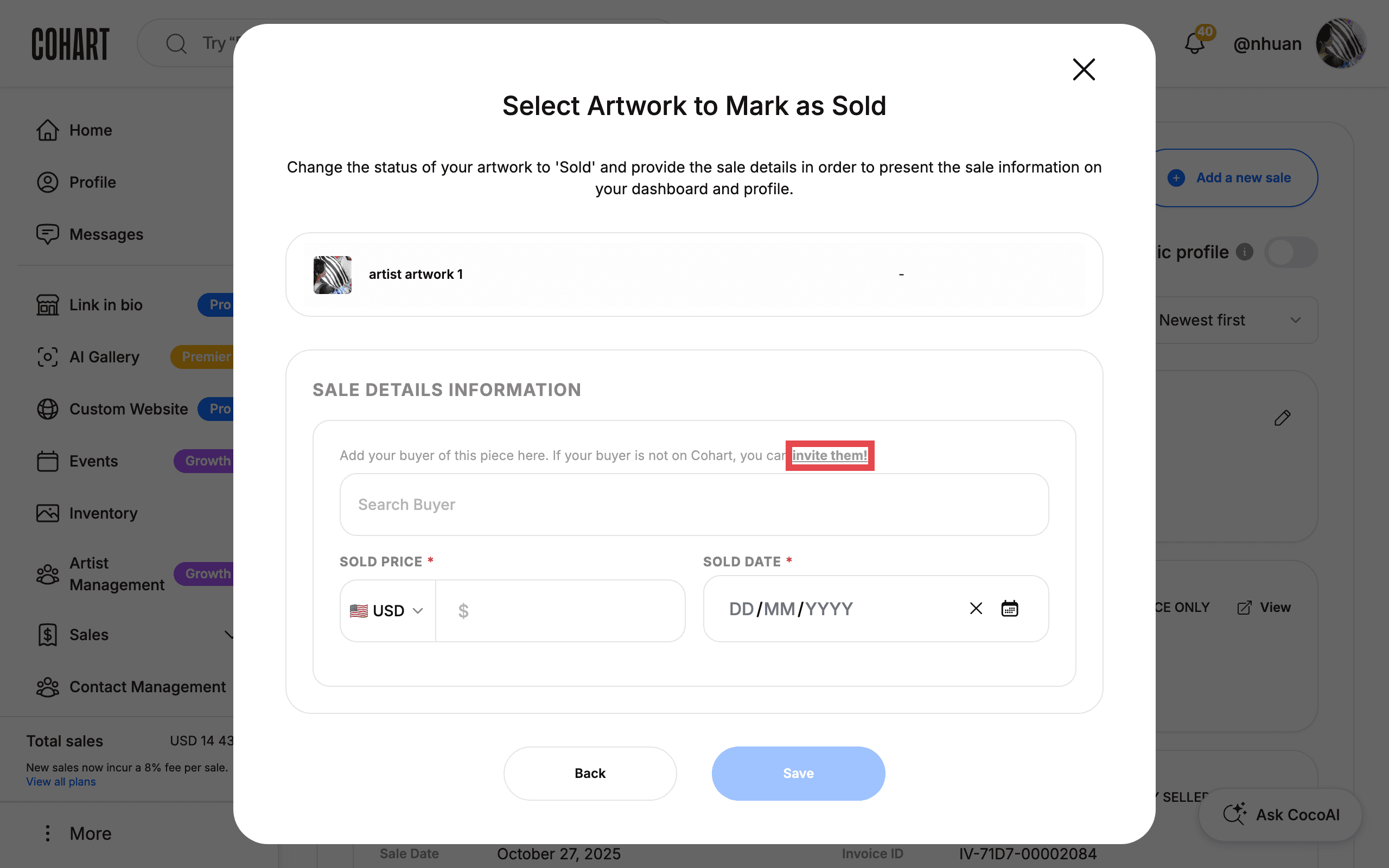
Marking an artwork Sold requires a paid plan (Pro or higher) — on the free plan, Sold shows a lock icon and can’t be selected. Once available, selecting Sold reveals a Search Buyer field with the note “Add your buyer of this piece here. If your buyer is not on Cohart, you can invite them!” — click invite them! to send an invitation instead of picking an existing Cohart account. [UNVERIFIED — check manually: confirm the exact fields shown once your plan unlocks the Sold option, since it is locked below Pro.]
3. Open Sales Record
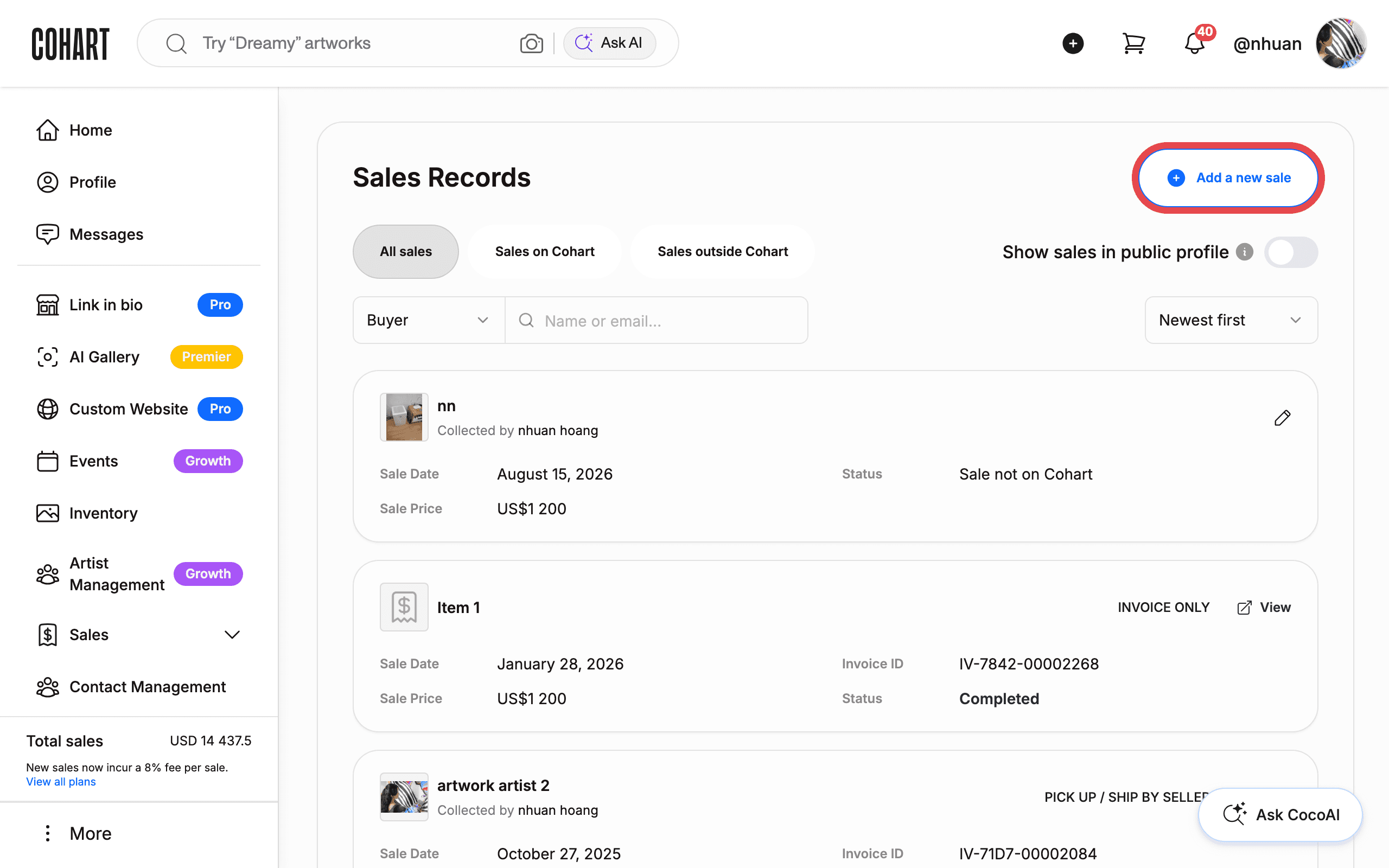
Go to Sales, then Sales Record, as described in How to Add a Sale Record.
4. Invite a collector when adding a sale record for existing inventory
Click Add a new sale, choose Yes, select artwork, tick the artwork you sold, and click Continue. The SALE DETAILS INFORMATION section shows the same note as above — click invite them! next to the Search Buyer field to invite a buyer who is not on Cohart. Fill in SOLD PRICE and SOLD DATE, then click Save to finish logging the sale.
Tips
- The invitation goes out once you finish the form. Submitting the upload or the sale record is what sends the invite email — filling in the field alone does not send anything.
- Joining brings real perks. Once your collector accepts, they are instantly showcased on your profile as a verified collector, you both automatically follow each other, and you receive a $10 credit toward purchases on Cohart. [UNVERIFIED — check manually: the $10 credit and the mutual follow were not confirmed against a live second account in this pass.]
- A Certificate of Authenticity perk. Your invited collector gains access to a Cohart-exclusive digital Certificate of Authenticity on their next purchase. [UNVERIFIED — check manually.]
- You’ll be notified when they join. You should get a mobile push notification and an email with a link to their account. [UNVERIFIED — check manually.]
- You can’t change the invite’s email address after sending it. If you typed the wrong address, send a new invitation to the correct one instead. [UNVERIFIED — check manually.]
- Multiple-quantity artworks can’t be linked to a collector. You can’t edit a multiple-quantity artwork after one unit has been sold, and that includes manually adding collector information. [UNVERIFIED — check manually.]
Troubleshooting
- The Sold option is greyed out with a lock icon during artwork upload → marking an artwork Sold, and inviting a buyer through it, requires a paid plan (Pro or higher) → upgrade your plan, or invite the buyer through Add a new sale on the Sales Record page instead, which does not require Sold status on upload.
- You can’t find “Invite My Collectors” in the bottom-left More menu → that menu option no longer exists; the More menu now only holds Account, Shared With Me, Purchases, Cohart Guide, Report Content & Feedback, and Logout → invite collectors through the artwork upload’s Sold status or through Add a new sale on the Sales Record page instead.
- A Community or Collectors tab you remember is missing → that area has been removed from the product → manage and invite collectors through Sales Record (Contact Management’s Contacts list tracks people who subscribe or are added as contacts, but it is separate from inviting a specific artwork’s buyer).
- The buyer search shows no results for a name you typed → the buyer has no Cohart account → click invite them! instead of picking from the search results.