How to Download the Cohart Business App
Overview
The Cohart Business App is the mobile companion to your Cohart account, built for selling in person.
- What it’s for — the app lets you process in-person sales with Tap to Pay, create and send invoices, manage sales tax, and accept payments directly from your phone, without a separate card reader.
- Who it’s for — sellers, artists, and galleries on Cohart who sell at fairs, studio visits, pop-ups, or any setting where a customer is paying in person.
- Where the effects appear — the app is a separate download from your web dashboard; it connects to the same Cohart account and syncs your sales, invoices, and inventory with your seller dashboard.
- What you end up with — a phone-based point of sale that lets you take contactless payments, generate invoices on the spot, and confirm every sale in real time, on either iOS or Android.
If you plan to accept Tap to Pay payments specifically, see the companion guide How to Accept In-Person Payments with Tap to Pay for the payment-acceptance walkthrough once the app is installed.
Steps
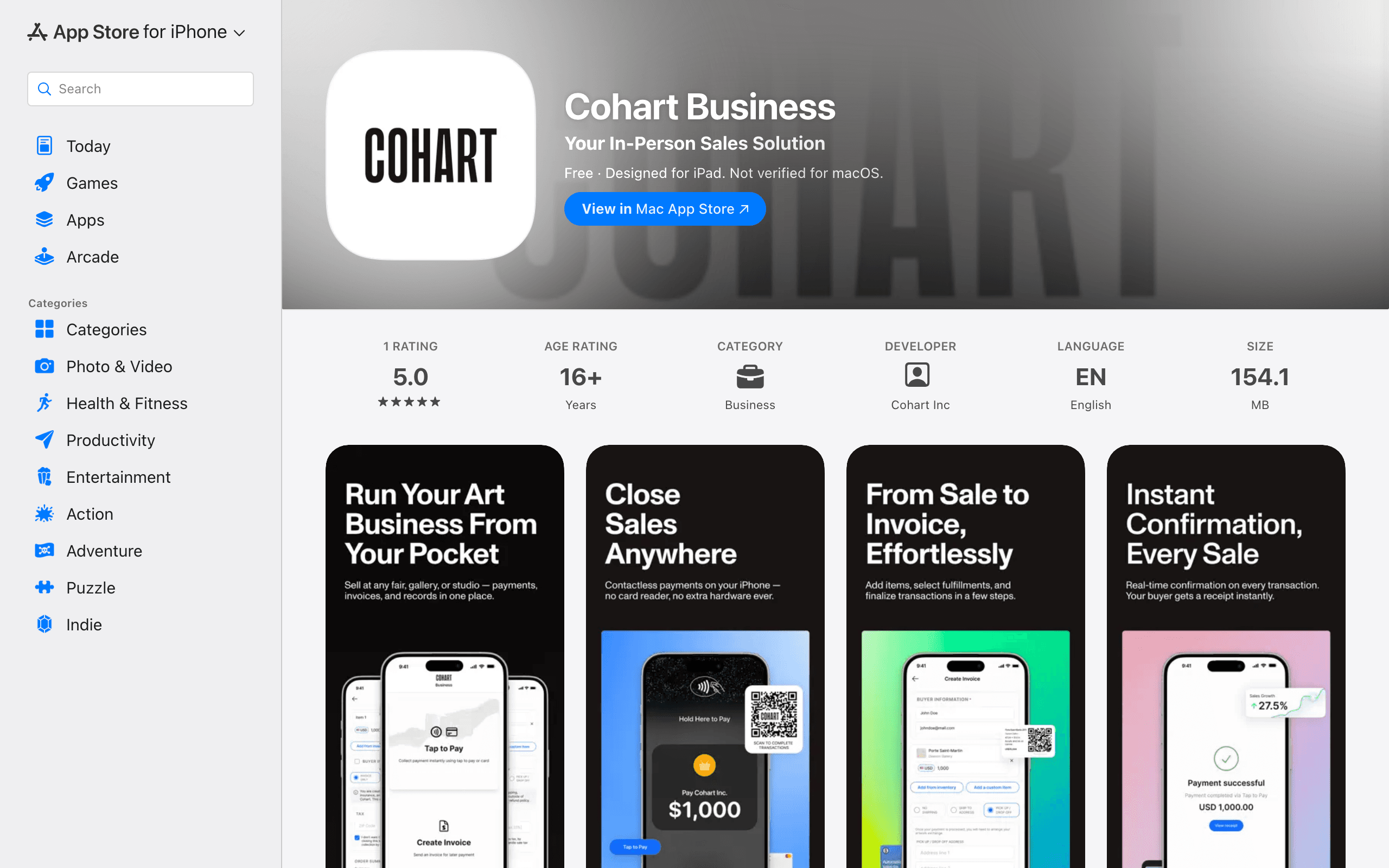
1. Download for iOS
On your iPhone or iPad, open the Cohart Business app on the App Store directly, or open the App Store and search for Cohart Business. Select the app from Cohart Inc and tap Get (or the cloud/install icon) to install it.
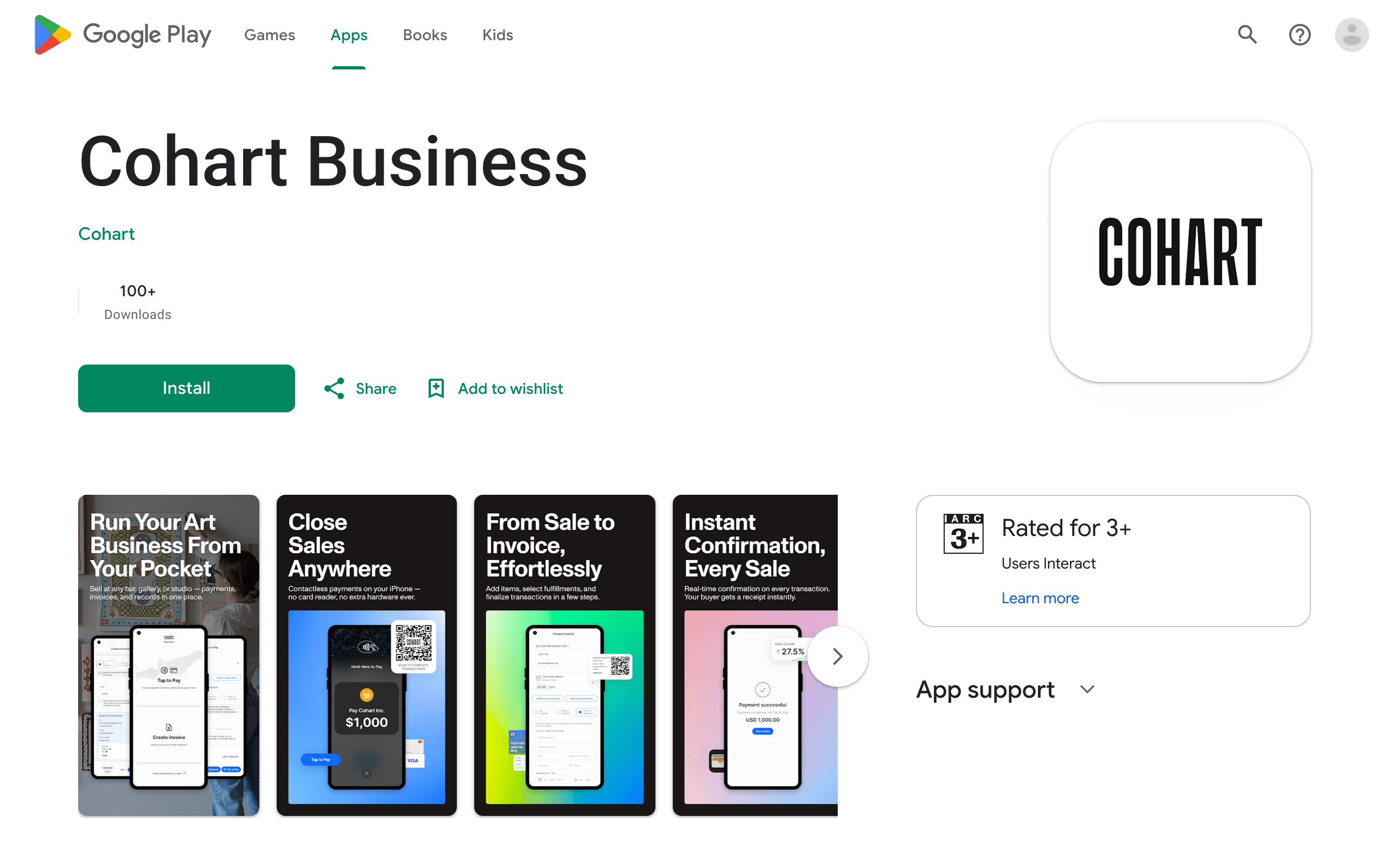
2. Download for Android
On your Android device, open the Cohart Business app on Google Play directly, or open Google Play and search for Cohart Business. Select the app from Cohart and tap Install.
Tips
- Once installed, open Cohart Business and sign in with your existing Cohart account credentials. See How to Get Started Selling on Cohart for the full setup path — profile, inventory, payments, and the rest of the tools the app connects to.
- Search for the exact name Cohart Business — searching just “Cohart” may surface the main Cohart app instead of the business/seller app.
- The app is free to download on both the App Store and Google Play.
- Keep the app updated through the App Store or Google Play so you always have the latest Tap to Pay and invoicing features.
Troubleshooting
- Can’t find the app in search → you may be searching the wrong store or an outdated app name → use the direct links — App Store for iOS or Google Play for Android — or search Cohart Business exactly in your device’s store.
- App shows as unavailable in your region → the listing may not be published in your country yet → contact Cohart support to check availability.
- Installed the wrong Cohart app → the main Cohart app and the Cohart Business App are separate listings → uninstall the wrong one and reinstall using the exact name Cohart Business from the developer Cohart Inc (iOS) or Cohart (Android).