How to Get to Know Cohart and CocoAI
Overview
Cohart is an AI-powered platform for the global collectibles market, starting with art, and this guide walks you through what that means in practice before you commit to using it. It covers who Cohart is for (artists and galleries sell on it, collectors buy on it), what CocoAI is, and what you can do before you sign up.
- Who it’s for — artists, galleries, and collectible sellers on one side, and art collectors on the other, connected through the same platform.
- What problem it solves — creators previously had to juggle separate apps for selling online, at fairs, and in person, each with its own audience, fees, and rules; collectors were left with search-engine-style marketplaces instead of a way to discover work they would actually love.
- What it gives creators — one place to manage inventory, client relationships, a personal website, and in-person and online sales tools, plus CocoAI, Cohart’s AI curator, to reach the collectors most likely to want their work.
- What it gives collectors — an AI Curator that learns their taste and surfaces artworks and artists worth following, whether they browse from home or at a fair.
- What you end up with — a working understanding of what Cohart does, who built it, and where to look next if you want to sell or collect on the platform.
Steps
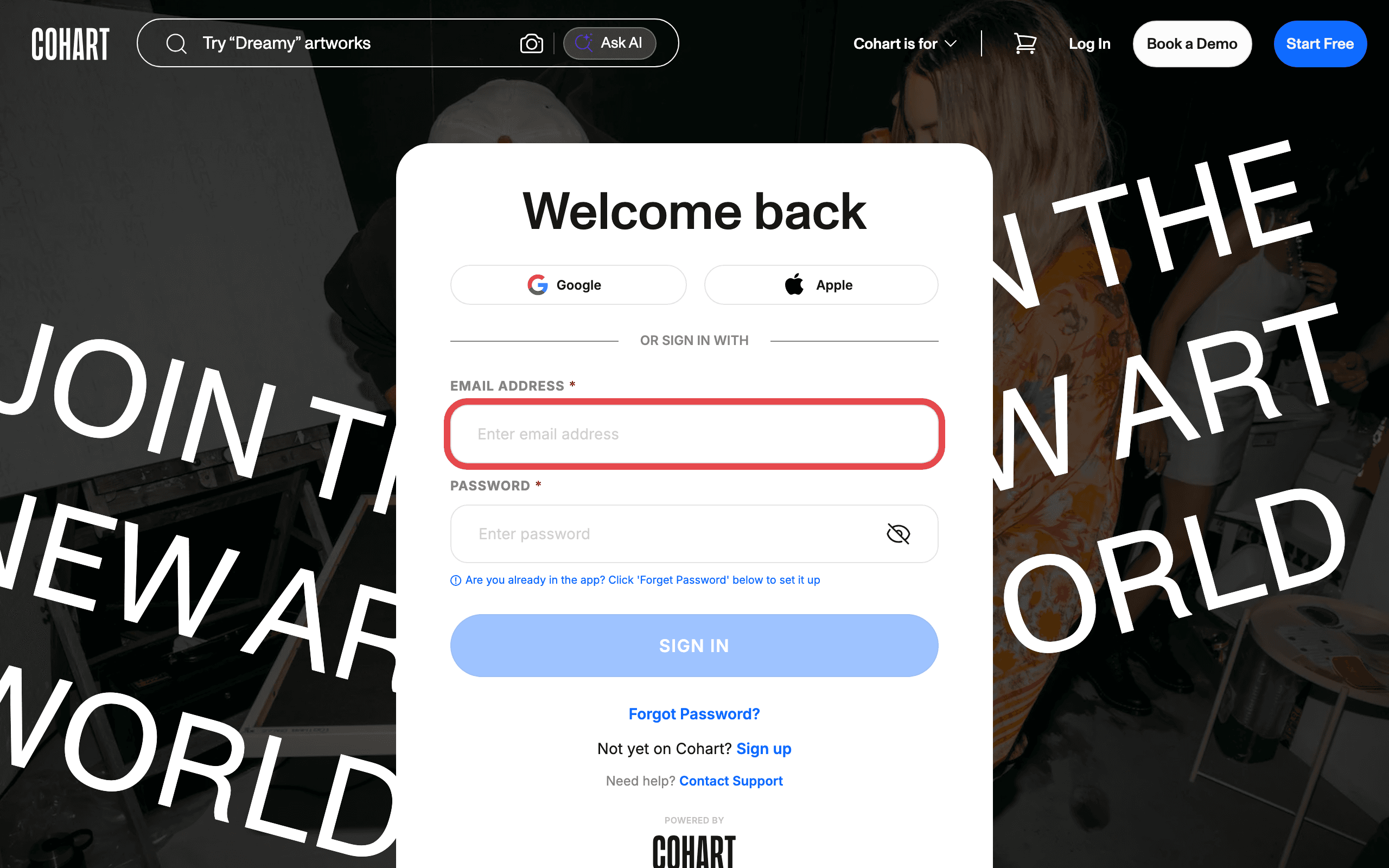
1. Sign in to Cohart
Sign in with your email address and password, or use Google or Apple. You can also browse Discover and the pricing page before signing in — an account is only needed once you want to sell or save work.
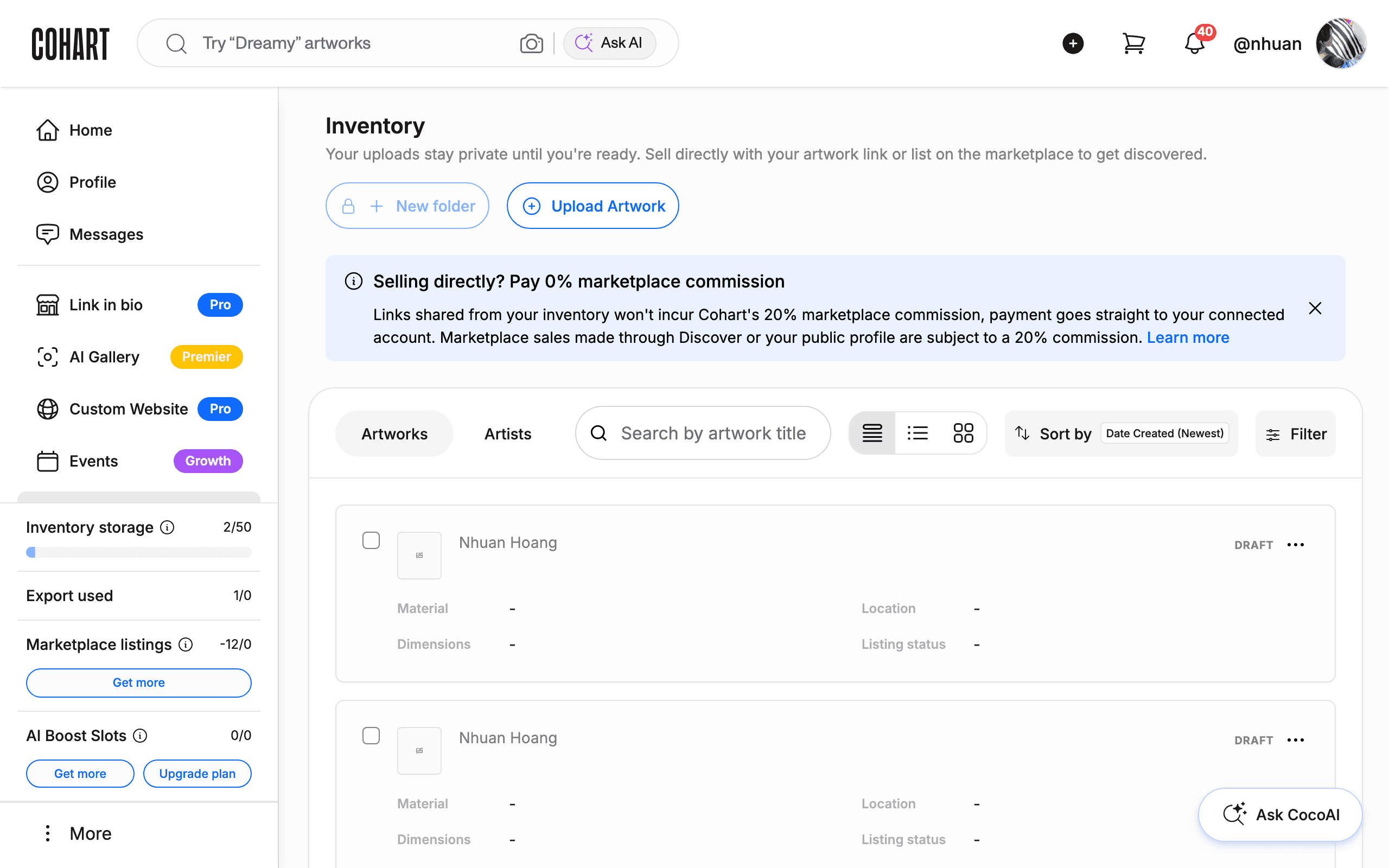
2. See what Cohart brings together for creators
After signing in, you land on your dashboard. The left sidebar gathers everything a working art business needs in one place: Inventory, Contact Management, Marketing Email, Private Views, Custom Website, Events, Manage Plan, and Financial Accounts, alongside seller-facing tools like Link in bio and AI Gallery.
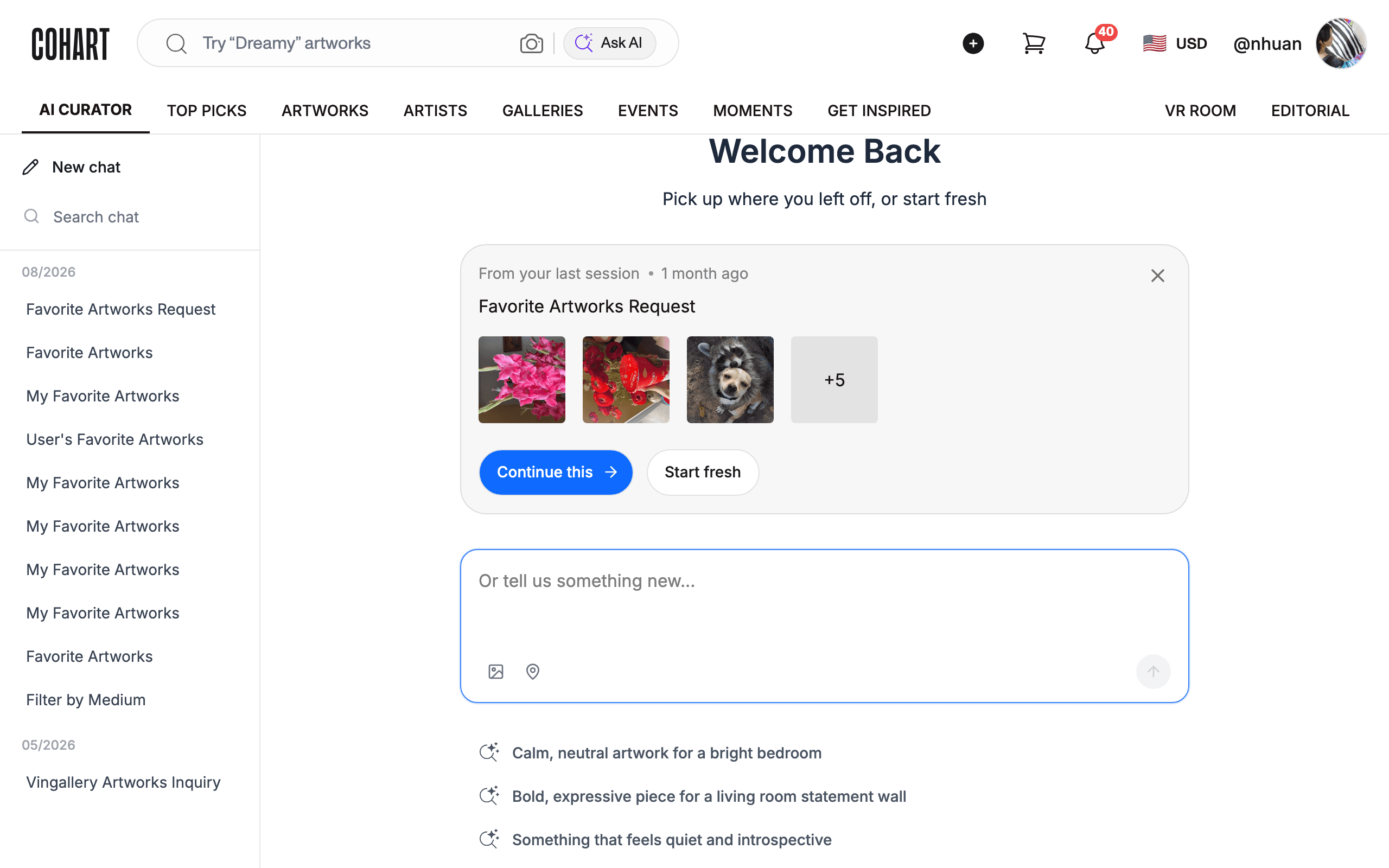
3. See how collectors discover art with the AI Curator
Open Discover, the collector-facing side of Cohart. The top navigation includes an AI CURATOR tab alongside TOP PICKS, ARTWORKS, ARTISTS, GALLERIES, EVENTS, and MOMENTS. CocoAI, Cohart’s AI curator, learns a collector’s taste from what they browse and follow, and surfaces artworks and artists it thinks they will love instead of a plain search list.
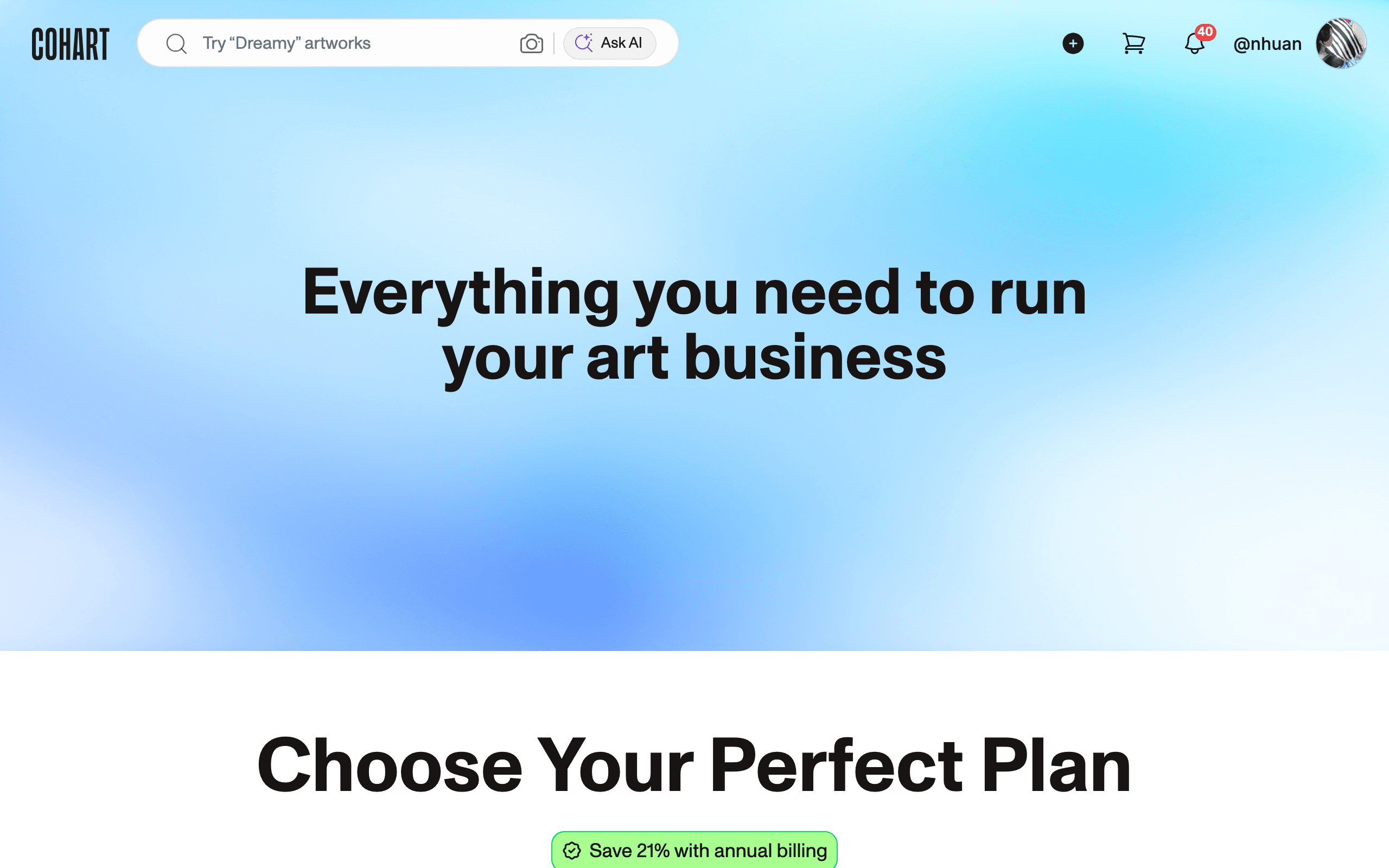
4. See the plans that support both sides
Open the pricing page. Cohart’s free plan lets any artist or gallery create a profile and start listing work; paid plans add tools like Tap-to-Pay, the Website Builder, and Email Campaigns, plus lower payment processing rates. This is how Cohart funds running one connected platform for both creators and collectors instead of charging collectors to browse.
Tips
- Cohart is female-founded. Its founder and CEO, Shyevin S’ng, spent over 20 years as a gallerist and art dealer, selling more than 500 artworks and facilitating over $100M in sales globally before building Cohart to solve the problems she saw firsthand.
- The team behind Cohart is gallerists and technologists, not just software engineers — the platform is built by people who have worked inside the art world for decades.
- One account can hold both roles. Nothing stops an artist from also browsing and collecting on Discover with the same account.
- If you’re not sure Cohart fits your business, start with the free plan. It costs nothing to create a profile, upload inventory, and see the tools before upgrading.
Troubleshooting
- You’re not sure whether Cohart is for artists, galleries, or collectors → it’s built for all three on one connected platform → sellers use the dashboard tools (Inventory, Website, CRM); collectors use Discover and the AI Curator; either role can create a free account.
- You want to know more about the company or team beyond what’s on the platform → this information isn’t in the app itself → contact Cohart Support through the sign-in page’s Contact Support link, or email support@cohart.com.
- You’re unsure which plan to start with → every plan starts with the same free profile and inventory tools → create a free account first, then compare paid plans on the pricing page once you know which extra tools you need.